Names and one real detail
Real names, a place and one funny fact give the verse something to rhyme around.
Built for a rap duo
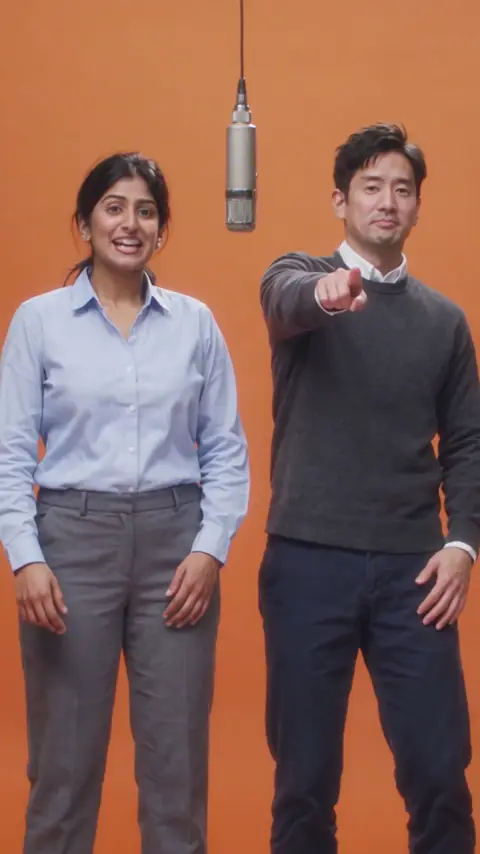
Describe the rap in one line and add a photo of each performer. The model writes original lyrics and raps them over a beat, then renders the two of you as a rap duo, lips in sync, in one music video.
Your two performers
One person each. You both rap.
Stage
Sound
This video: 10 credits. Ready in about 5 to 15 minutes; failed generations return your credits. View pricing
Short answer
Updated : every stage now raps on Wan 3.0 over the Hotel Lobby beat, changing only the background; the words box is required, up to 1000 characters, and an AI fits your words to the beat, at the same price.
This AI rap generator turns one line of text into a finished rap music video. Type what the rap should be about, upload one photo per person (or one photo with both of you), and the AI handles the rest: lyrics, beat, and a render of your two people performing it. No rapping skills, no studio, no app.
Most AI rap tools stop at lyrics on a screen. Here the words, beat, voice and picture come out of one render. Both rap is on from the start, so your duo trades bars; untick it and the lead raps while the partner hypes. Head to head? Try the AI rap battle generator or the diss track generator.
It starts on Wan 3.0, 720p, 12 seconds, 9:16, in the Hotel Lobby booth, over the Hotel Lobby beat: 10 credits for the video, the same on the other stages, which change only the background. A render that fails is never paid for.
Three steps
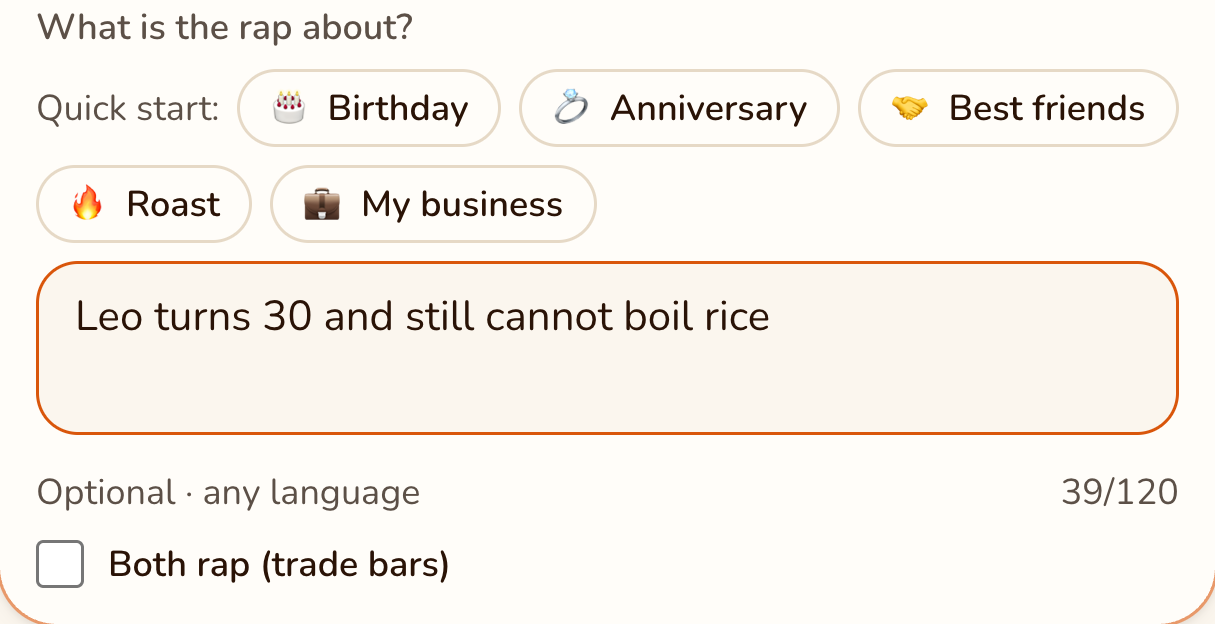
Say what the rap is about, or paste lyrics of your own, up to 1000 characters: a name, the occasion, one detail. The box is required; an AI turns it into rhyming lines on the beat.
Sound → Your words
RapVideo editor · View full screenshot ↗
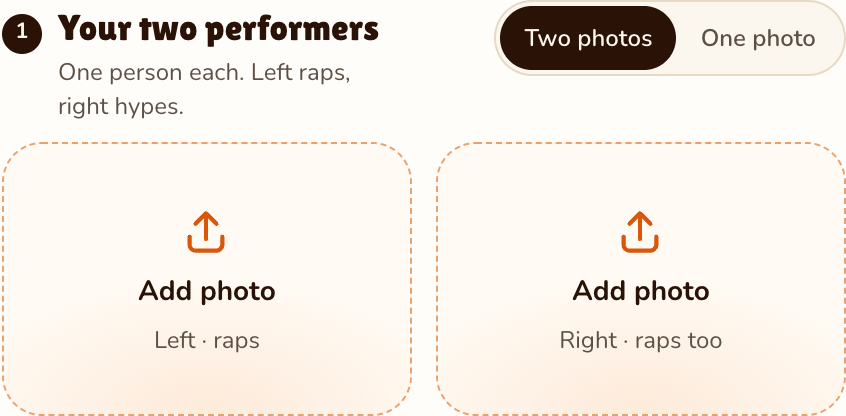
Add a clear, front-facing photo of each person, or one photo of both side by side.
Your two performers
RapVideo editor · View full screenshot ↗
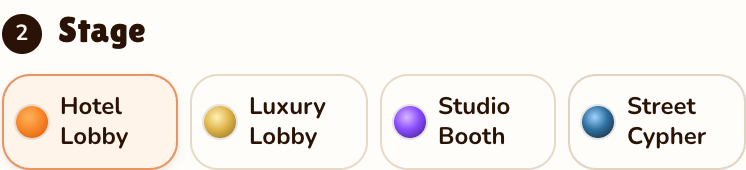
Pick from Hotel Lobby (orange), Luxury Lobby, Studio Booth and Street Cypher, sign in with Google and generate the video. Wan 3.0 takes about 5 to 15 minutes, on any stage.
Stage
RapVideo editor · View full screenshot ↗
Better raps
Real names, a place and one funny fact give the verse something to rhyme around.
Add a clear shot of each face; well-lit photos make sharper rappers.
The prompt asks for the rap in the language of your topic, so the duo can rap in Spanish.
Hotel Lobby (orange), Luxury Lobby, Studio Booth and Street Cypher: every stage does the trend’s best-known moves over the Hotel Lobby beat on Wan 3.0; only the background changes.
Each is one line, ready to paste. Swap in your own names and one detail only your people know.
Rather be the face on the mic? Add a photo of yourself on the left, or see the AI rapper page.
Watch
Videos and posts from creators and other tools, each credited and linked to the original. Nothing loads from YouTube until you press play.
The model reads your line as a brief, writes original lyrics around it, and renders the duo from your photos rapping them over the stage’s beat, lips in sync, in about 5 to 15 minutes in the orange booth.
No. You get one MP4 music video: the rap song is its soundtrack and the two of you are its picture. There is no separate lyrics file or audio download.
Yes. The prompt asks the model to rap in the language of your topic.
No. Each render costs real money, so every video costs credits: 10, in the orange booth or on any other stage. No subscription is needed: the smallest pack is 10 credits for $9.99, its credits never expire, and a render that fails is never paid for.
No. The prompt rules out existing lyrics and any real artist’s voice; in the orange booth it keeps only the beat of the Hotel Lobby track. Set a mood in the topic instead, like laid-back or hype.
Nearly anything: a birthday, an inside joke, a farewell, a team win, a friendly roast. Sexual or hateful topics are refused before any credits are charged.
No. Nothing can be edited after the render; a new line means a new video.
Your turn
Two photos and one line of topic. We handle the lyrics, the beat and the music video.
