The view from the fan
A top-down shot from just under a spinning white ceiling fan.
What the effect asks for
One blade, one new outfit.
TikTok trend effect
One selfie becomes the fan transition: a top-down shot of you lying under a spinning ceiling fan, and every time a blade sweeps across the lens you are in a different outfit, from everyday clothes to a party look. 5 seconds at 720p for 4 credits.
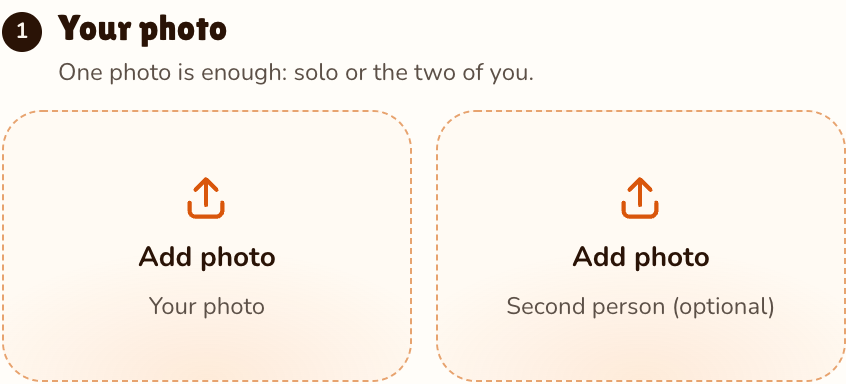
Your photo
One photo is enough: solo or the two of you.
Effect
Video
This video: 4 credits. Ready in about 2 to 5 minutes; failed generations return your credits. View pricing
Answer first
Updated : new page.
The ceiling fan trend is a transition video: the camera looks down at someone lying under a ceiling fan, and each pass of a blade reveals a new outfit. The Tab described it on 28 September 2026 as a new AI trend on TikTok, a week after the Hotel Lobby trend. Doing it by hand means mounting a phone on the ceiling and filming the same shot again for every outfit.
This effect does it from one photo. It asks the model for a top-down shot from just under a white ceiling fan, you lying on a made bed looking up, the blades sweeping past the edges of the frame, and four outfits in a row: everyday clothes, streetwear with a hoodie, a smart formal look and a sparkly party outfit. You change pose with each one.
Your face and hair stay the same throughout; the clothes are the part that changes, so the effect does not keep the outfit from your photo.
Three steps
A clear, front-facing photo of your face. The outfits come from the effect, so any clothes will do.
Effects → Photos
RapVideo editor · View full screenshot ↗
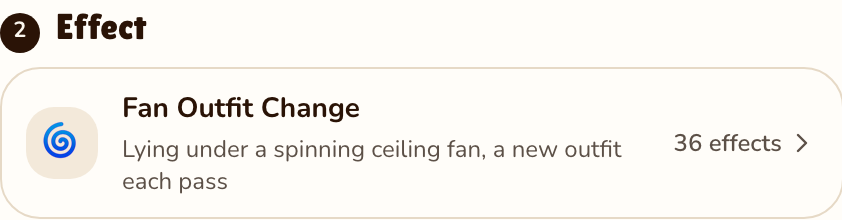
It opens already chosen; tap 36 effects to switch.
Effects → Fan Outfit Change
RapVideo editor · View full screenshot ↗
The provider estimates up to about 5 minutes. Save the MP4; add the sound you want when you post.
After rendering
Inside the clip
A top-down shot from just under a spinning white ceiling fan.
Everyday, streetwear with a hoodie, smart formal, then a sparkly party look.
You smile up at the camera and strike a new pose with each change.
A bouncy original pop beat with a soft whoosh on every blade.
| This clip | |
|---|---|
| Photos | One photo of your face (two people work too, same price) |
| Price | 4 credits for 5 s at 720p; 5, 8, 10, 12 or 15 s possible |
| Kept from your photo | Face and hairstyle |
| Made by the effect | The fan, the bed, the four outfits and the poses |
| Sound | A bouncy original pop beat with blade whooshes |
Outfit Switch spins you into a new look on the AI video effects page; the AI Halloween costume swaps your clothes for a costume. Other trends from one photo: the car jump AI video and the Raindance AI trend.
Watch
Videos and posts from creators and other tools, each credited and linked to the original. Nothing loads from YouTube until you press play.
A transition video seen from above: someone lies under a spinning ceiling fan and their outfit changes every time a blade passes the camera. It spread on TikTok in late September 2026.
Add one selfie, keep Fan Outfit Change selected and press Make the effect. The fan, the outfits and the poses come from the effect.
Not yet. The effect always goes everyday, streetwear, formal, party, so the clip has a clear build-up.
No. The manual version means mounting a phone on the ceiling and changing between takes; here one photo is enough.
No. The effect keeps your face and hairstyle and changes only the clothes.
5 seconds at 720p for 4 credits on Seedance 2.0 Mini. Longer or sharper clips cost more, and the price shows before you render. The only free part of RapVideo is one 2-second watermarked preview per Google account, of the default Hotel Lobby video or the Bulin 47 Freestyle; everything else is paid with credits. Packs start at 10 credits for $9.99, and a failed render gives its credits back.
Guides
Four looks, one take
5 seconds, 4 credits. No ceiling mount needed.
