The setup
You look into the lens with a curious smile, in a bright, simple room.
Prank effect
Add a photo of you, or a photo of each of you, and get a short bald filter video: you look into the camera, a playful pop and a puff of sparkles take every hair, and you touch your shiny head and crack up.
Your photo
One photo is enough: solo or the two of you.
Effect
Video
This video: 4 credits. Ready in about 2 to 5 minutes; failed generations return your credits. View pricing
The short answer
Updated
The AI bald filter turns your photo into a short, funny clip of you going bald. You look into the camera with a curious smile in a bright, simple room. A playful pop and a small puff of sparkles make all your hair vanish, then you touch your shiny bald head and burst out laughing, over a comic pop and a bouncy original jingle with no voices.
It answers “what would I look like bald” with a moving bald filter video instead of a still. Add one photo for a solo reveal, or a photo of each person (or a photo of both) to go bald together. Your face and outfit stay as in the photo and the background is dropped; only the hair is meant to change. The provider estimates up to about 5 minutes, with no app and no prompt.
What it is not: a medical tool or a hair-loss preview. The bald head is imagined, perfectly smooth and shiny, not a forecast of your own scalp. Keep it a joke between people who are in on it, never a way to mock illness, treatment or hair loss.
How to use it
A sharp selfie or upper-body shot, facing the camera. For two people, a photo of each, or a photo of both.
Effects → Photos
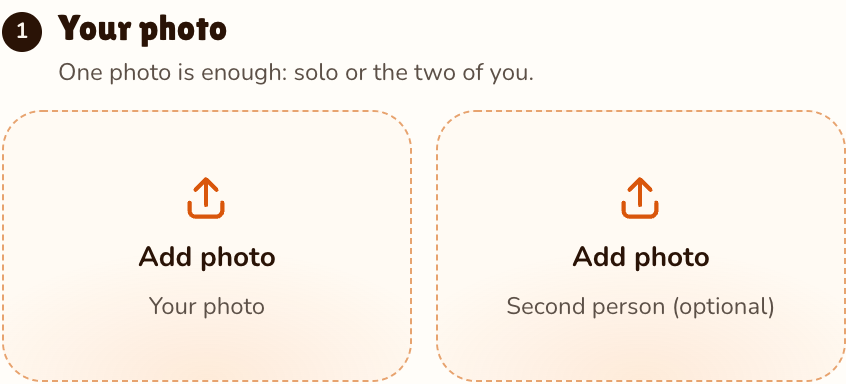
RapVideo editor · View full screenshot ↗
It is picked on this page; 27 more effects sit in the picker.
Effects → Bald Filter
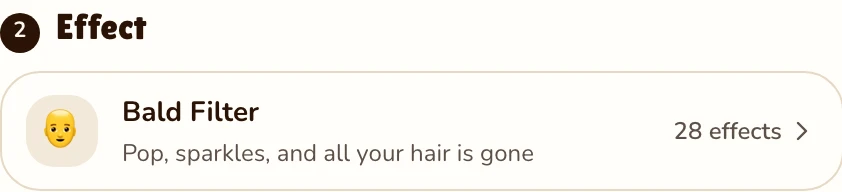
RapVideo editor · View full screenshot ↗
Press Make the effect, sign in with Google, then download the MP4 clip from My videos.
After rendering
What you get
You look into the lens with a curious smile, in a bright, simple room.
A playful pop, a small puff of sparkles, and every hair is gone.
A smooth bald head on your own face, the outfit unchanged.
You touch your head and crack up, over a comic pop and an original jingle.
A live bald filter in a camera app paints a smooth head over yours while you film. A chatbot needs you to write the request, and what comes back depends on that tool. This bald filter starts from one still photo and renders a new clip with the reveal, the laugh and the sound in it. Wondering whether ChatGPT can do the video part? See can ChatGPT make videos.
The same photo works with 22 other solo effects: make an AI video of yourself with Pizza Rain or Giants, let one of you turn into a zombie and still get a hug in the AI zombie trend, swap your clothes for a costume with the AI Halloween costume, or go back to 1985 in an 80s AI video. All 28 are on the AI video effects page.
Watch
Videos and posts from creators and other tools, each credited and linked to the original. Nothing loads from YouTube until you press play.
Add one photo of yourself, front-facing, keep Bald Filter selected and press Make the effect. The provider estimates up to about 5 minutes; then comes the pop, a puff of sparkles, and your own face with a smooth, shiny bald head, laughing.
A video: a 5-second clip with the pop, the sparkles and the laugh. Video settings can make it longer or sharper, for more credits.
Add a photo of yourself and of him, or a photo of you both, and you go bald side by side. Pick someone in on the joke and show him first.
You can try, writing and adjusting the request yourself. Here nothing needs prompting: the pop, the sparkles and the laugh are written into the bald filter, and you get a clip.
No. The face follows your photo, but the bald head is imagined, smooth and shiny. It is for fun, never for mocking someone’s hair loss.
Download the clip and upload it to TikTok or Reels as it is, with a caption like “what I would look like bald”.
Not free: 5 seconds at 720p for 4 credits, or 2 credits at 480p. There is no free video or free trial: credit packs start at 10 credits for $9.99, pack credits never expire, and a render that fails gives its credits back.
No. It runs in the browser on a phone or computer after a Google sign-in.
Guides
Pop
One photo, 5 seconds, 4 credits. Ask before you post.
