Anniversaries and birthdays
The day they passed, or their birthday, when the gap feels widest.
Memorial Hug effect
Add a photo of you and a photo of the loved one who passed away. A few minutes later you get a 5-second clip of the two of you meeting in a quiet garden for a long, gentle hug, set to soft piano. It is an AI imagining, not a real memory.
Your photo
One photo is enough: solo or the two of you.
Effect
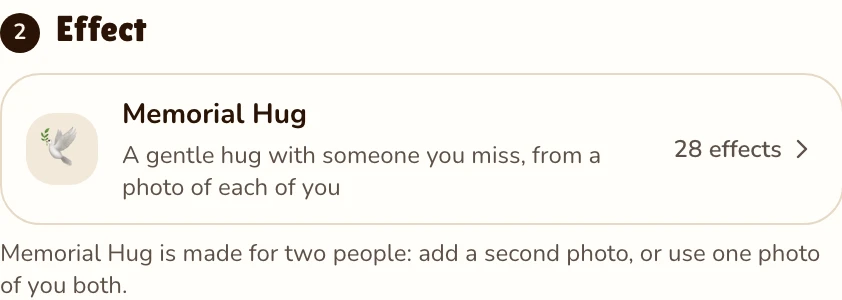
Memorial Hug is made for two people: add a second photo, or use one photo of you both.
Video
This video: 4 credits. Ready in about 2 to 5 minutes; failed generations return your credits. View pricing
What it is
Updated
An AI hug with a deceased loved one is a short video built from two still photos: one of you today, and one of the mother, father, grandparent, partner or friend who has passed away. They can come from different decades. Each face, hairstyle and outfit is kept from its own photo.
The scene is written to stay calm. You stand a few steps apart in a quiet garden of soft morning light and faint, glowing haze, notice each other, walk slowly closer, hold each other in a long hug with eyes closed, then ease back, smile and turn toward the camera. Natural full color, small real movements, no captions. The music is a gentle piano with soft strings, no voices.
The hug never happened: the movement and the moment are imagined by an AI model. Some people find that comforting; others find it strange or too soon, and both are fine. It does not replace real recordings or the people who remember them.
How to make it
Yours first, theirs as the second person. A phone photo of an old print works, as does one photo of you both.
Effects → Photos

RapVideo editor · View full screenshot ↗
It is already picked; the effect picker also holds Bring to Life and Slow Dance.
Effects → Memorial Hug
RapVideo editor · View full screenshot ↗
Tap Make the effect. The provider estimates up to about 5 minutes; a failed render is never charged.
After rendering
When people make it
The day they passed, or their birthday, when the gap feels widest.
Thanksgiving, Christmas, Mother’s Day: the first one with an empty chair at the table.
For the parent who could not be at the wedding, or the grandparent the children never met.
One short moment in a memorial tribute, made with the family’s blessing.
We have not yet tested old, faded or black-and-white scans with this effect, so these tips are advice, not a promise. RapVideo does not restore or colorize photos. The effect asks for natural full color, so for a black-and-white photo the model guesses the colors.
Watch it alone first. Some relatives are moved by it; others find it hard, especially soon after a loss. Show it privately and ask before you post it. Use photos of your own family and friends, or with their family’s blessing, never of public figures. Uploaded photos are deleted 7 days after the render and are never used to train AI models; the finished video stays in My videos until you delete it. (Privacy policy.)
With only their photo, animate old photos with Bring to Life. Slow Dance puts you both in a slow dance, like a father-daughter dance at a wedding. To join several clips for a service, see how to make an AI tribute video; for someone alive but far away, the AI hug generator.
Watch
Videos and posts from creators and other tools, each credited and linked to the original. Nothing loads from YouTube until you press play.
Add a clear photo of yourself and a photo of the loved one who passed away, keep Memorial Hug selected and tap Make the effect. In a few minutes you get a short clip of the two of you holding each other in a long hug, ready to download or send.
You can try. Photograph the print flat in daylight, without glare, and crop to the face and shoulders. We have not tested faded or black-and-white scans yet, and RapVideo does not restore photos, so use the cleanest copy you have.
Yes. Upload that photo instead of two and the hug is made from it, as long as both faces are clear.
No. It is an AI-made scene: the faces follow your pictures, but the walk, the hug and the smile are imagined. It does not replace real recordings, and it is fine to decide it is not for you.
Your own family and friends. Not public figures, and not someone else’s deceased relative without their family’s blessing.
Gently. Show it privately first and ask before posting it; some relatives will treasure it, others may not want to see it so soon.
5 seconds at 720p on Seedance 2.0 Mini is 4 credits; 10 seconds is 8. Longer or sharper clips cost more. No free trial: packs start at 10 credits for $9.99 and never expire. A failed render is never charged; a finished clip is, even if it does not feel right.
In their memory
A photo of you, a photo of them: 5 seconds, 4 credits.

