The bed
A bright bedroom, a big bed with a white duvet, white pillows and a lamp on each side, the phone still in front.
TikTok trend effect
One photo of your baby or toddler, 14 seconds, from $9.99 for your first video. Photos deleted after 7 days, never used to train AI. Your baby dances the viral routine on a big white bed, with the remix on.
Your photo
One clear photo of your baby or toddler on their own, face easy to see, full-body if you have it; sitting works too, not in someone’s arms. Your baby dances the routine on a big white bed; the remix comes with it.
Effect
Video
This video: 7 credits. Ready in about 5 to 15 minutes; failed generations return your credits. View pricing
Answer first
Updated : new page.
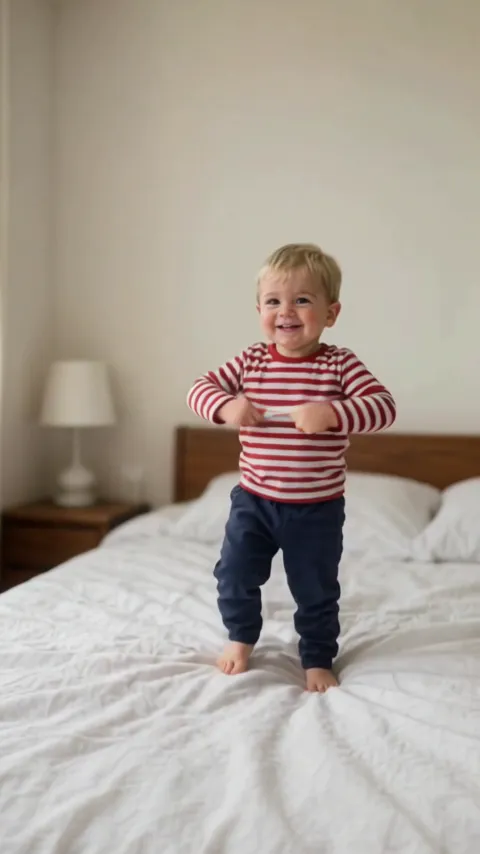
Sticky bubblegum AI is a short video of your baby doing the trend’s dance: from one photo, the AI draws your baby standing on a big white bed and has them dance the routine of the trend’s CapCut template, 14 seconds of claps, hands stuck to the tummy, the gum pulled apart and little kicks, to a remix of the kids’ song Icky Sticky Bubble Gum. We tested it once, on 14 November 2026, with a photo of an AI-made toddler at 480p: he kept his own face, hair and clothes for all 14 seconds and did the routine move for move, with a few hand positions off near the end. Other photos are untested. The clip at the top is that render, with the photo it was made from.
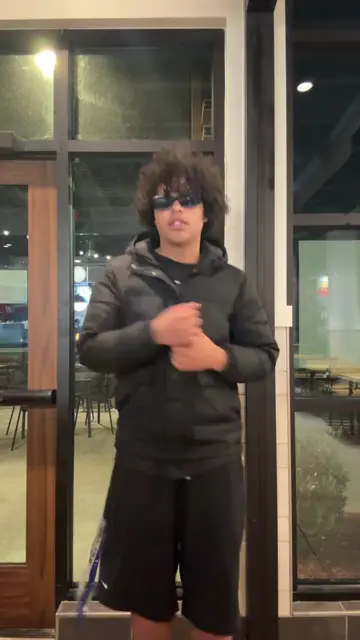
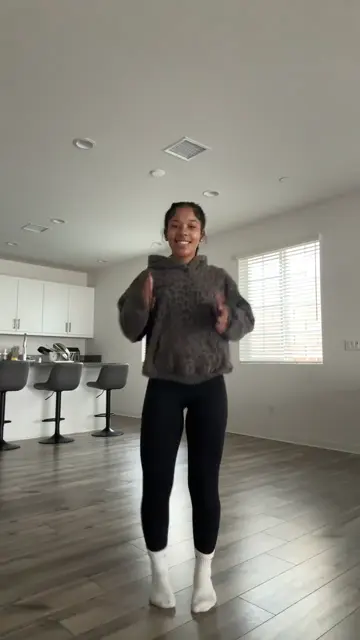
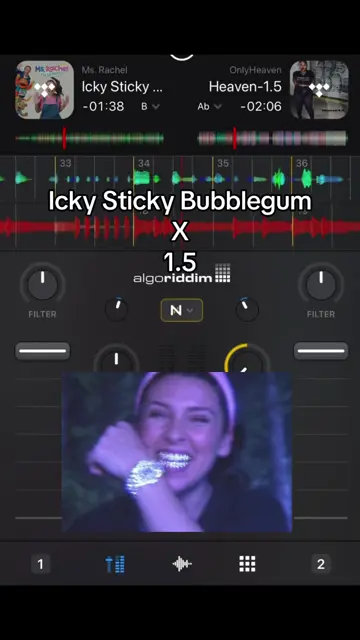
The trend has three layers. @mutaybk posted a DJ remix of Ms Rachel’s Icky Sticky Bubble Gum on 9 November 2026; it had 1.8 million plays by 14 November. @maybe.taj made a short dance to it on 11 November, and grown-ups learned it. From 12 November CapCut templates put babies in the dance, with captions like "Wait until your baby starts dancing": the most played one we found had 319,300 plays two days later. Our effect follows the template it links to, Icky sticky bubble by wxxxx158, used 9,380 times on CapCut by 14 November.
RapVideo.ai has no connection to Ms Rachel, The Learning Station, @mutaybk, @maybe.taj, the template’s maker, TikTok or CapCut.
One photo of your baby on their own, standing or sitting, with the face easy to see and nobody else in the picture. A photo of your baby in someone’s arms is not for this effect. The AI first draws your baby standing, head to toe, and normally sends that drawing to the video model in place of your photo; if the drawing cannot be made, your photo goes instead.
It is set up for babies and toddlers, like the trend. An older child or a grown-up is meant to keep their own age and size in the same routine on the same bed; we have not tested that. It is not set up for pets.
The sound is the template’s: the remix @mutaybk posted, sound name ICKYSTICKY1.5, which mixes Ms Rachel’s Icky Sticky Bubble Gum with a dance beat. The remix the dance follows is on the finished clip. Where the song comes from: the story of the song, the remix and the dance.
On TikTok
Where the dance and the sound come from, credited to their creators: tap a name to open the post. We show grown-ups only; the baby versions are other families’ children.
From TikTok, credited to the creators. Tap a name to see the post.
Three steps
One clear photo of your baby on their own, face easy to see, in good light. Full-body is best and sitting is fine, but not in someone’s arms. The clothes in the photo are the clothes your baby dances in.
Effects → Photos
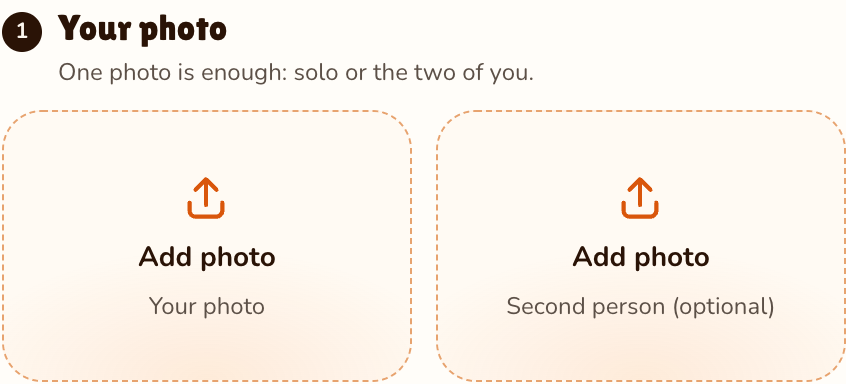
RapVideo editor · View full screenshot ↗
The editor opens on the Sticky Bubblegum effect, 14 seconds in 9:16 on Wan 3.0. Pick 480p, 720p or 1080p.
Effects → Sticky Bubblegum
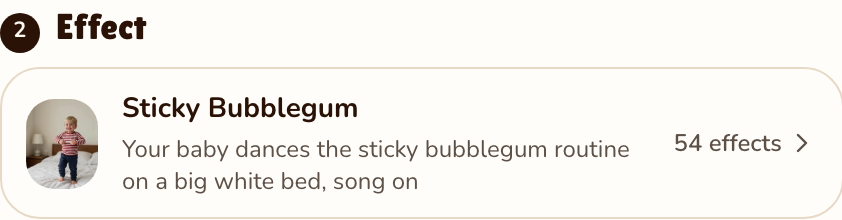
RapVideo editor · View full screenshot ↗
The video model estimates about 5 to 15 minutes. Save the MP4, remix included, and post your sticky bubblegum AI video.
After rendering
Inside the clip
A bright bedroom, a big bed with a white duvet, white pillows and a lamp on each side, the phone still in front.
Claps, bouncing knees, both arms out, hands stuck to the tummy, the gum pulled apart and a kick with each leg.
Their own face, hair and clothes from your photo, as in our test, standing on the bed from head to toe.
The template’s Icky Sticky Bubble Gum remix, on the finished 14-second MP4.
We watched the template’s clip every half second. It is one take, the camera never moves, and the effect is set up to give your baby every move at the same moment:
| Seconds | What happens |
|---|---|
| 0 to 2 | Standing in the middle of a big white bed, turned to the side, then to the camera with claps and little waves, then to the side again. |
| 2 to 4 | Facing the camera, hands patting and waving in front, knees bouncing, then both arms out wide. |
| 4 to 6 | Hands on the tummy and a bend forward, as if stuck there, then up again, pulling the sticky gum apart. |
| 6 to 9 | A kick out to one side, then the other, hands still pulling, a shuffle to the side and a low step. |
| 9 to 12 | Arms down and open at the sides, hands together low, arms out level, then the pull once more. |
| 12 to 14 | Hands up by the head, back to the tummy, and a last clap with a big smile. |
Normally the video AI sees only the drawing and the template, not your photo; if the drawing cannot be made, your photo goes instead.
| This clip | |
|---|---|
| Photos | One, of your baby or toddler |
| Price | 14 seconds for 7 credits at 480p, 12 at 720p or 24 at 1080p; 9:16 only |
| Kept from your photo in our test | Face, hair and clothes |
| From the template | The bed, the camera and every move |
| Sound | The template’s remix, 14 seconds, on the finished clip |
| Tested | Rendered by us once, on 14 November 2026, from a photo of an AI-made toddler (short blond hair, a red and white striped top, navy trousers) at 480p, in about 5 minutes. He kept his own face, hair and clothes for all 14 seconds, with none of the template toddler’s curls or sleepsuit, and did the routine move for move, the kicks and the shuffle to the side included; between 10.5 and 13 seconds a few hand positions were not quite the template’s. The clip at the top is that render |
Your photo is deleted 7 days after the render and never used to train AI.
| This effect | The CapCut template | |
|---|---|---|
| Where | In the browser, on a phone or computer | In the CapCut app, from a link in a TikTok post |
| Photo | One, of your baby | One |
| What you get | 14 seconds on the white bed, the remix on | The template’s bed, dance and sound |
| Cost | 14 seconds for 7 credits at 480p, 12 at 720p or 24 at 1080p | Set by CapCut |
The CapCut way step by step, and which photo works best: the step-by-step guide.
Where the trend came from: the remix, the dance and the AI baby templates. More dance trends: Toc Toc AI, Charme dance AI and Chipmunks dance AI, or all 54 AI video effects.
AI videos of babies doing the sticky bubblegum dance to a remix of Icky Sticky Bubble Gum. It started on TikTok on 12 November 2026 with CapCut templates that turn one photo of a baby into the dance.
Add one clear photo of your baby on RapVideo.ai, keep the Sticky Bubblegum effect selected and press Make the effect. Download the MP4; the remix is already on it.
RapVideo.ai, on this page: one photo, a 14-second 9:16 MP4 with the remix, made in the browser on a phone or computer, no app needed. TikTok tutorials use a CapCut template.
Your photo is deleted 7 days after the render and never used to train AI. You need one photo only, and the effect normally sends the video model a drawing of your baby made from it rather than the photo itself; if the drawing cannot be made, the photo goes instead.
The dance most people copy was posted by @maybe.taj on 11 November 2026 to a remix @mutaybk shared on 9 November. The song, Icky Sticky Bubble Gum, is an older kids’ action song that Ms Rachel sings.
14 seconds for 7 credits at 480p, 12 at 720p or 24 at 1080p on Wan 3.0, always 14 seconds in 9:16. Packs start at 10 credits for $9.99, and a failed render gives its credits back.
No. The only free part of RapVideo is one 2-second watermarked preview per Google account, of the default Hotel Lobby video, the Bulin 47 Freestyle or Tiny Desk; everything else is paid with credits.
Wait until your baby starts dancing
14 seconds of the baby dance on a big white bed, remix on, from 7 credits.
