Earth Zoom Out
From a close-up of your face to the whole planet, in one camera move.
Just you and one photo
Add one clear photo of you, pick an effect and make a short clip with your own face in it. Add a friend and you share the shot.
Your photo
One photo is enough: solo or the two of you.
Effect
Video
This video: 4 credits. Ready in about 2 to 5 minutes; failed generations return your credits. View pricing
How it works
Updated
To make an AI video of yourself, add one clear, front-facing photo, pick an effect such as Earth Zoom Out, Money Rain or Red Carpet, and press Make the effect. The provider estimates up to about 5 minutes; then the clip is ready to download as a 5-second MP4 with no watermark. No app, no filming, no prompt to write: each one already holds its scene, camera move and sound.
With one photo, the AI takes the person in it into a new scene. Your face is kept as in the picture, and so are your hair and outfit unless changing them is the point, as in the AI bald filter. The background is replaced, except in Bring to Life, which animates an old photo as it is. You can make 23 of the 28 effects with just you, from Earth Zoom Out to the AI dance video; Hug, Memorial Hug, Slow Dance, Polaroid Hug and Zombie need two people. All of them are on the AI video effects page.
Three steps
One clear photo of you: a selfie or waist-up shot of your face, with nobody else in it.
Effects → Photos
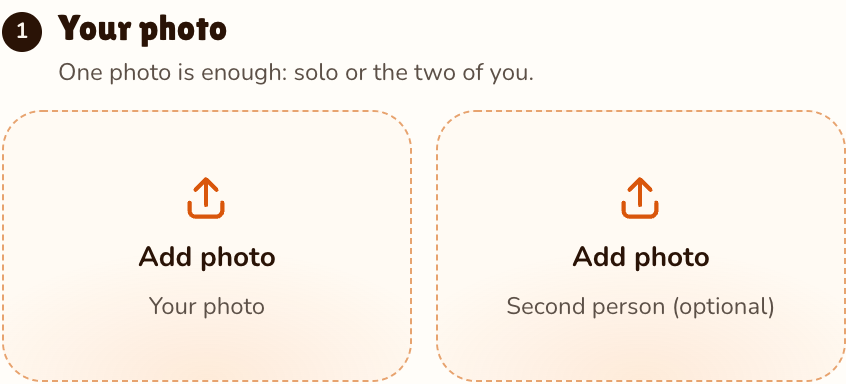
RapVideo editor · View full screenshot ↗
Earth Zoom Out is selected on this page; the picker holds 27 more.
Effects → Effect
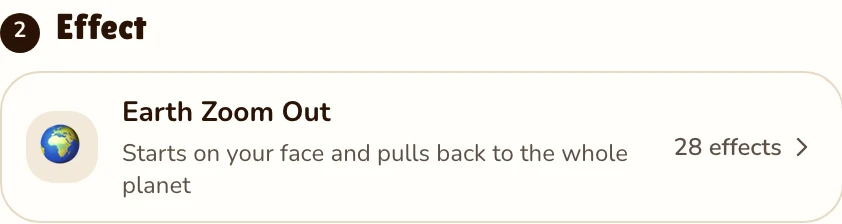
RapVideo editor · View full screenshot ↗
Press Make the effect and sign in with Google. The MP4 then waits in My videos.
After rendering
Solo effects
From a close-up of your face to the whole planet, in one camera move.
Banknotes falling around you in a marble bank lobby, or flashes popping at a night premiere.
You with a mic on a stadium stage, spotlights sweeping over the crowd.
You float above the floor of a sunlit room, or white wings unfold from your back.
A squad of copies of you on a basketball court, or a full routine in a neon studio. Both suit a full-length photo.
The two that change your hair: a pop that leaves you bald, or a 1985 VHS home video.
Add a second photo of your friend, or use one photo of the two of you, and you appear side by side from the first frame, at the same price as one. 5 effects need two people, like the AI hug generator and hug your younger self. Want a song? The Rap video tab makes a rap music video of the two of you: a Hotel Lobby AI clip in the orange booth, or an original verse from the AI rap generator. A rap always takes two people.
There is no free version: every render costs real money to make. One effect is 5 seconds at 720p for 4 credits on Seedance 2.0 Mini, or 2 credits at 480p for a cheap first try with the same photo. Packs start at 10 credits for $9.99 and never expire. The button shows the price before you press it, a failed render is refunded, and longer clips cost more; see pricing.
Make videos only of yourself and of friends or family who said yes, and show them before you post. Our terms rule out anyone who has not agreed, anyone under 18 without a parent's or guardian's consent, and clips meant to fool people into thinking a real person did something they never did. Photos are checked for sexual or hateful content and deleted 7 days after the render.
Watch
Videos and posts from creators and other tools, each credited and linked to the original. Nothing loads from YouTube until you press play.
Add one clear photo of yourself, pick an effect and press Make the effect. The provider estimates up to about 5 minutes, then you download the MP4.
No. Every clip made from one photo is a paid render: 4 credits for 5 seconds at 720p, or 2 credits at 480p. There is no free video or free trial: credit packs start at 10 credits for $9.99, pack credits never expire, and a render that fails gives its credits back.
Every prompt asks for your face exactly as in the photo. A sharp, front-facing, well-lit face gives the model the most to keep; the clip is generated, so small differences can happen.
Yes. One photo is the only input; the AI adds the scene, the motion and the sound. It starts on 9:16, and Video settings offers 16:9, 9:16, 1:1, 4:3, 3:4 or 21:9 at the same price.
Add their photo as the second photo, or use one photo of you both. For a song, the Rap video tab can make a rap music video of the two of you.
Only with their yes. Ask before you post, and never use strangers, public figures or anyone under 18 without a parent’s consent.
Earth Zoom Out for a hook, Money Rain or Red Carpet for a flex, Dance or Clones with a full-length photo, Bald Filter for a prank.
No app: it runs in the browser after a Google sign-in. The provider estimates up to about 5 minutes; you can leave the page and find your AI video of yourself in My videos.
Guides
Your turn
One photo of you, 5 seconds, 4 credits. Then try it with a friend.
