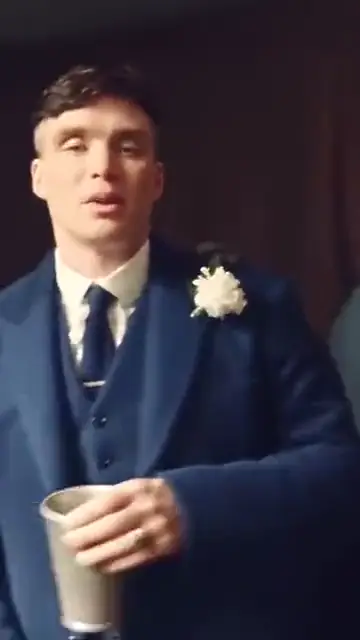
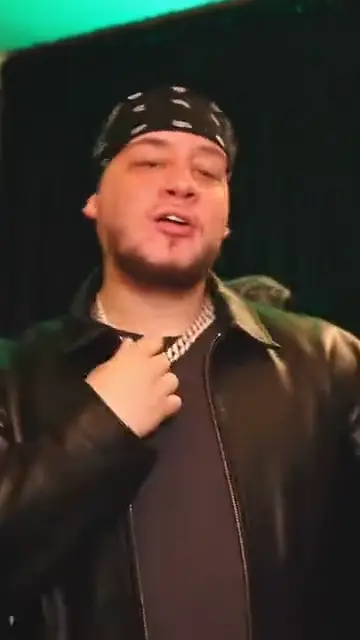
The party room
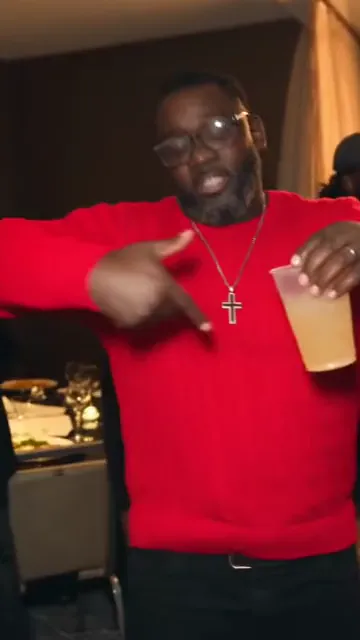
Crystal chandeliers in warm light, long tables in white cloth and a crowd of guests behind you.
TikTok trend effect
One photo puts you in the Burning Bridges party: the moves and the camera of the video’s chandelier scene, the silver cup, the point at the guests, the hand over the eyes and the wave, with you in the middle and the song on the clip. 15 seconds for 7 credits at 480p or 12 at 720p.
Your photo
One clear photo of you, facing the camera. You take the moves of the party scene; the room, the guests and the song come with it.
Effect
Video
This video: 7 credits. Ready in about 5 to 15 minutes; failed generations return your credits. View pricing
Answer first
Updated : the moves now come from a live-action take with the song, so the mouth follows Burning Bridges, and your outfit stays.
Burning Bridges is a 2026 song by Drake from his album Iceman. In the AI trend, people put themselves into the party scene from its video: a crowded room under crystal chandeliers, a silver cup, a point at the guests, and one flat hand held over the eyes while scanning the room, the gesture that goes with the "where she at?" line. AI video sites describe the trend this way; they do not agree on exactly when it started.
How this effect makes it: the moves come from a fan’s live-action take of the party scene, the video’s 2:42 to 2:57, lined up with the song. The video model follows it for every move and every shake of the camera, in a party room of its own: crystal chandeliers, beige curtains, long tables in white cloth. You play the man in the middle, and the model hears Burning Bridges while it renders, so your mouth moves with the song. None of the music video’s footage is in your clip; the song is.
Your face and your outfit come from your photo. RapVideo has no connection to Drake or his label.
Yes. The MP4 carries the same 15 seconds of Burning Bridges as the scene it follows, so the moves land on the beat. When you post, you can still pick the song in the TikTok or Instagram sound picker; how to do the AI trend on TikTok shows where.
On TikTok
AI versions of the Burning Bridges trend that went viral on TikTok, credited to their creators: tap a name to open the post. Make yours from one photo.
From TikTok, credited to the creators. Tap a name to see the post.
Three steps
One clear photo of you, front-facing; waist-up works best because the clip shows your hands and collar.
Effects → Photos
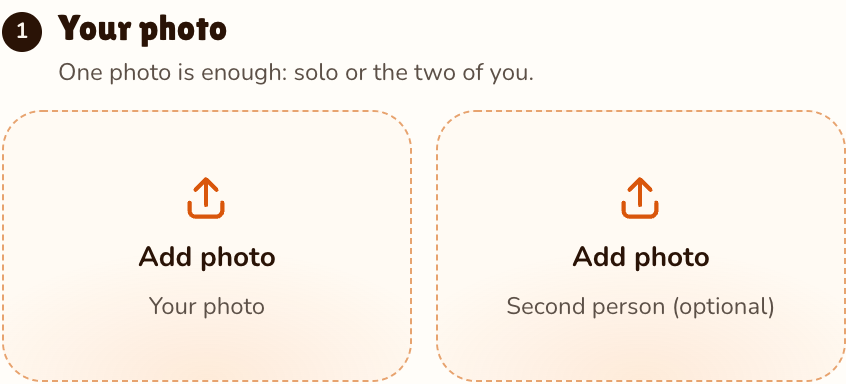
RapVideo editor · View full screenshot ↗
It opens already chosen at 15 seconds in 9:16; the other 35 effects are in the list.
Effects → Burning Bridges Party
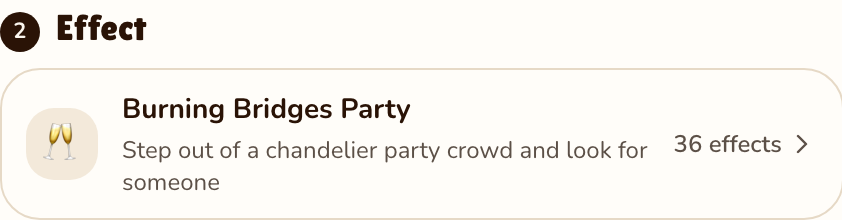
RapVideo editor · View full screenshot ↗
The video model estimates about 5 to 15 minutes. Save the MP4, song included, and post it.
After rendering
Inside the clip
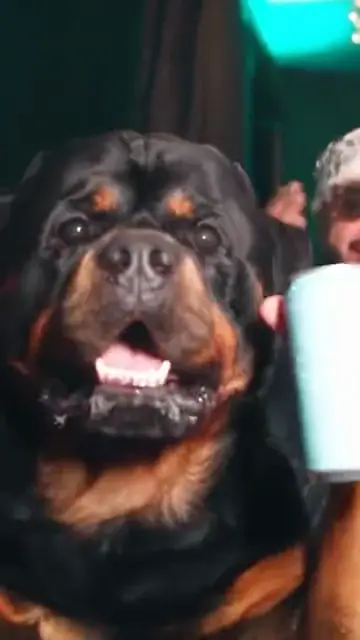
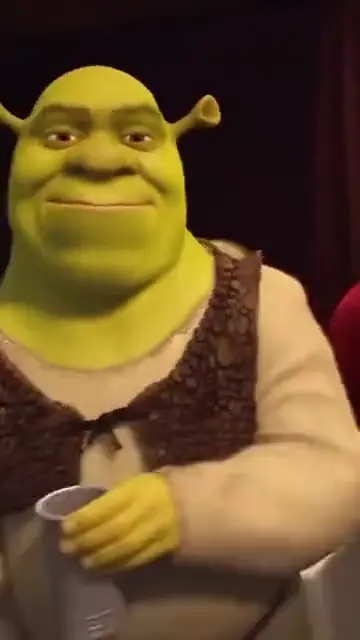
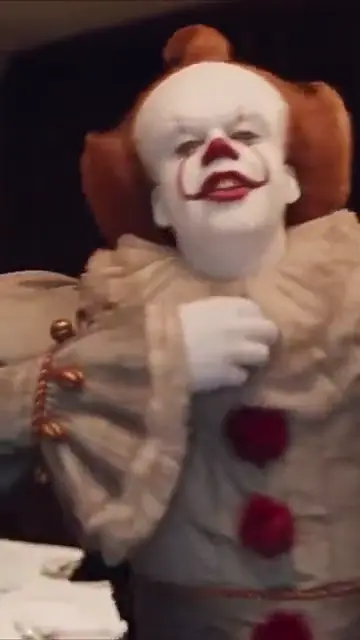
Crystal chandeliers in warm light, long tables in white cloth and a crowd of guests behind you.
The scene’s routine beat for beat: the silver cup to the lens, a point, a grab of the collar and a turn to the guests.
One flat hand over your eyes, scanning the room for someone, then a wave with the cup.
The same 15 seconds of Burning Bridges, so every move lands where it does in the video.
| This clip | |
|---|---|
| Photos | One photo of one person |
| Price | 15 seconds for 7 credits at 480p or 12 at 720p; 9:16 only |
| Kept from your photo | Your face and your outfit |
| Made by the effect | The room, the guests, the silver cup and every move of the scene |
| Sound | Drake’s Burning Bridges, the same 15 seconds as the scene |
Freestyle on the street in Bulin 47 AI, sit through a desert stunt in the car jump AI video or sing in warm rain in the Raindance AI trend. The full list is on AI video effects.
Watch
Videos and posts from creators and other tools, each credited and linked to the original. Nothing loads from YouTube until you press play.
People use AI to put themselves into the chandelier party scene from the video for Drake’s Burning Bridges: the silver cup, the point at the guests and a hand over the eyes as if looking for someone.
Add one clear photo, keep Burning Bridges Party as the effect and press Make the effect. Download the clip; the song is already on it.
Drake. It is on his 2026 album Iceman. RapVideo is independent of Drake and his label.
It follows the moves and the camera of the video’s party scene, from 2:42 to 2:57, through a fan’s live-action take of it. The room, the guests and you are made new by the video model; none of the music video’s footage is in the clip. The song is.
Not in one clip: it recasts the one man in the middle of the scene, so it takes one photo of one person. Make one each and post them side by side.
15 seconds for 7 credits at 480p or 12 at 720p on Wan 3.0, always 15 seconds in 9:16: the whole scene from the cup to the wave. Longer or sharper clips cost more, and the price shows before you render. The only free part of RapVideo is one 2-second watermarked preview per Google account, of the default Hotel Lobby video or the Bulin 47 Freestyle; everything else is paid with credits. Packs start at 10 credits for $9.99, and a failed render gives its credits back.
No. The only free part of RapVideo is one 2-second watermarked preview per Google account, of the default Hotel Lobby video or the Bulin 47 Freestyle; everything else is paid with credits. A Burning Bridges clip is 15 seconds for 7 credits at 480p or 12 at 720p, and a failed render gives its credits back.
No. Add one photo and the moves, the camera and the song are already set, with no prompt to write and no clip to edit. Higgsfield Genjutsu recasts a source clip you bring, and CapCut is a video editor; both are separate products, not connected to RapVideo.
Where are they?
15 seconds, from 7 credits. The song is on the clip.

