Come alive
Bring to Life: blinking, breathing and a soft smile, background kept. See animate old photos.
One photo, one effect
Pick what happens in your photo.
One photo, one tap
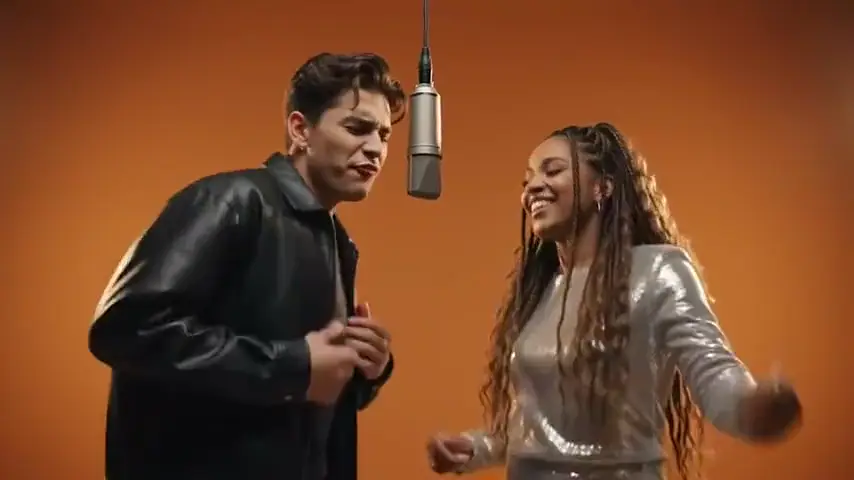
Add a photo, choose what should happen in it, and get a short video: the person comes alive and smiles, two people hug, you dance, or the camera pulls back to the whole planet. 36 effects, 5 seconds at 720p for 4 credits, no app.
Your photo
One photo is enough: solo or the two of you.
Effect
Video
This video: 4 credits. Ready in about 2 to 5 minutes; failed generations return your credits. View pricing
Answer first
Updated : new page.
Photo to video AI, also called image to video AI, turns a still picture into a short clip with movement and sound. Here you do not write a prompt: you pick an effect, and each effect is one written scene for the camera and the people, so the result is predictable.
Pick Bring to Life and the photo keeps its background while the person blinks, breathes and smiles. Pick Hug or Slow Dance with two photos and two people turn to each other. Pick Earth Zoom Out and the camera pulls back from your face to the whole planet. The rest of the 36 effects are on AI video effects.
Most effects run on Seedance 2.0 Mini: 5 seconds at 720p for 4 credits, the same for one photo or two. Bulin 47 and Burning Bridges follow a real clip on Wan 3.0 instead, for longer and at their own price. Want people talking or singing instead of an effect? Two photos make an AI rap video or a personalized birthday song.
Three steps
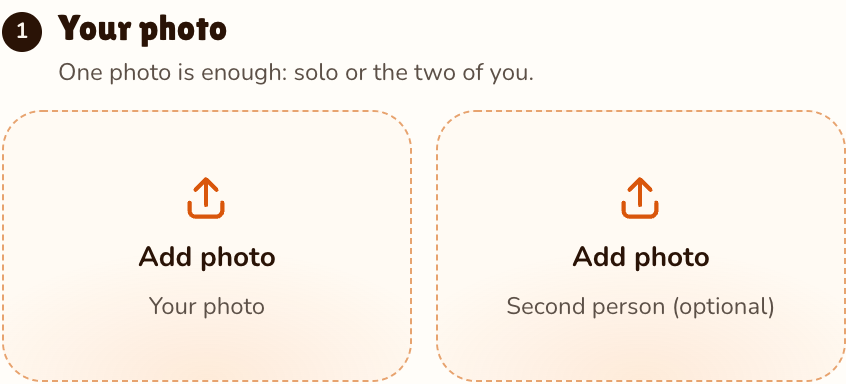
A clear photo of one person, or a photo of each person for the effects made for two.
Effects → Photos
RapVideo editor · View full screenshot ↗
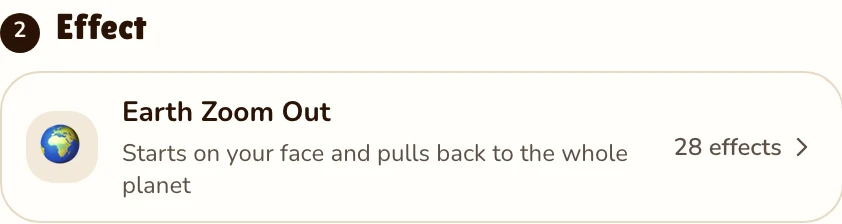
Open the effect list and choose one of 36. Bring to Life is selected to start.
Effects → Effect
RapVideo editor · View full screenshot ↗
The provider estimates up to about 5 minutes. Save the MP4.
After rendering
What your photo can do
Bring to Life: blinking, breathing and a soft smile, background kept. See animate old photos.
Hug, Memorial Hug or Polaroid Hug with two photos. See the AI hug generator.
A full routine in a neon studio. See the AI dance video.
Earth Zoom Out, Car Jump, the fan outfit change and more. See Earth zoom out.
Effects are short scenes with music but no words. With two photos you can also make the two people rap or sing: an AI rap duo in the Hotel Lobby AI booth, an AI rap generator verse about your topic, or a personalized love song.
Showreel
Clips by other creators and tools, credited under each video, so you can see the format first.
Add a photo, pick one of the effects and press Make the effect. A few minutes later you download a short MP4.
No. Each effect already describes the scene, the motion and the sound.
Yes. Bring to Life keeps the old photo’s background and framing and makes the person blink and smile.
Yes. Some effects need two people (Hug, Slow Dance, Future Baby); a photo of each person costs 4 credits, the same as one.
5 seconds at 720p for 4 credits on Seedance 2.0 Mini. Longer or sharper clips cost more, and the price shows before you render. The only free part of RapVideo is one 2-second watermarked preview per Google account, of the default Hotel Lobby video or the Bulin 47 Freestyle; everything else is paid with credits. Packs start at 10 credits for $9.99, and a failed render gives its credits back.
No. You download a clean MP4.
Guides
Press play on a photo
36 effects, 4 credits for 5 seconds.