Animate two people at once
Add a wedding photo as it is, and both people come gently alive.
Old portraits, gently moving
Add one old photo of someone you love and keep Bring to Life selected. In a few minutes the person in it comes gently to life: a blink, a soft smile, a tilt of the head and a look into the camera, in the photo’s own setting and light.
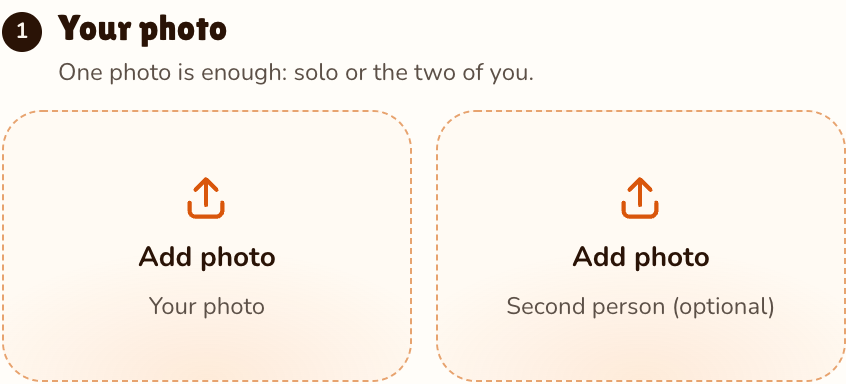
Your photo
One photo is enough: solo or the two of you.
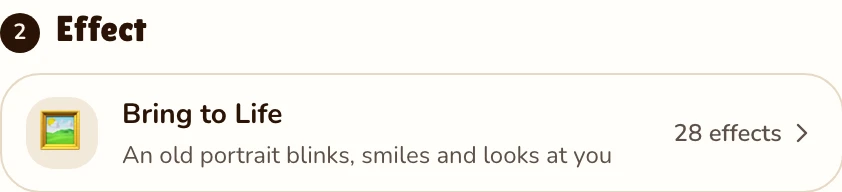
Effect
Video
This video: 4 credits. Ready in about 2 to 5 minutes; failed generations return your credits. View pricing
What it does
Updated
An old photo holds one frozen second: a grandmother on her wedding day, a father in his first suit. To animate old photos like these, the effect asks an AI video model to imagine the seconds after. The person blinks, breathes, smiles softly, tilts their head, glances aside and looks back into the camera with a kind smile.
Most effects replace the background. This one keeps the world of the photo: the same place, pose, clothes and light, framed the same way, with a still camera. It asks for the original colors and grain too, so a black-and-white photo is meant to stay black-and-white. A soft, nostalgic piano plays underneath. The movement is the model’s guess, not how they really moved.
How to do it
A scan, a digital copy or a phone photo of the print, with one clear face.
Effects → Photos
RapVideo editor · View full screenshot ↗
It is already picked; the effect picker holds Memorial Hug, Slow Dance and the rest.
Effects → Bring to Life
RapVideo editor · View full screenshot ↗
Tap Make the effect. The provider estimates up to about 5 minutes; then download the MP4 for the family.
After rendering
Beyond one face
Add a wedding photo as it is, and both people come gently alive.
Add your own photo next to theirs and choose Memorial Hug for a long, gentle hug in a quiet garden.
Slow Dance sways two people through a warm living room, like a father-daughter dance at a wedding.
We have not yet tested faded, scratched or black-and-white photos with this effect, so these are tips, not promises.
No. RapVideo has no tool to restore old photos, and this effect does not fix scratches, sharpen a blurry face or add color. If a print is torn or badly faded, clean it up first in a photo editor you trust, then add the cleaned photo. For color, start from a color photo.
Watch
Videos and posts from creators and other tools, each credited and linked to the original. Nothing loads from YouTube until you press play.
Add the old photo, keep Bring to Life selected and tap Make the effect. In a few minutes the person in it blinks, smiles and looks at the camera in a short clip you can download.
RapVideo does not restore photos, and we have not tested faded or scratched scans yet. A clean, sharp photo gives the model the most to work with, so use your best copy.
They are not meant to. The effect asks the model to keep the colors, grain and light of the original photo. The setting and framing stay too; only the person moves.
Yes. Add the one photo and both people come to life. With two separate photos, choose Memorial Hug or Slow Dance instead.
A clear face that is not too small, such as a head-and-shoulders photo. For a print, take a flat, glare-free photo in daylight and crop away the background.
5 seconds at 720p on Seedance 2.0 Mini is 4 credits. Longer or sharper clips cost more. No free trial: packs start at 10 credits for $9.99 and never expire. A failed render is never charged; a finished clip is, even if it does not feel right.
Bring it to life
5 seconds, 4 credits, in the photo’s own light.
